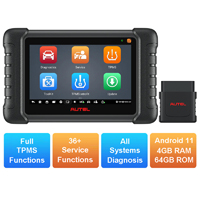
|
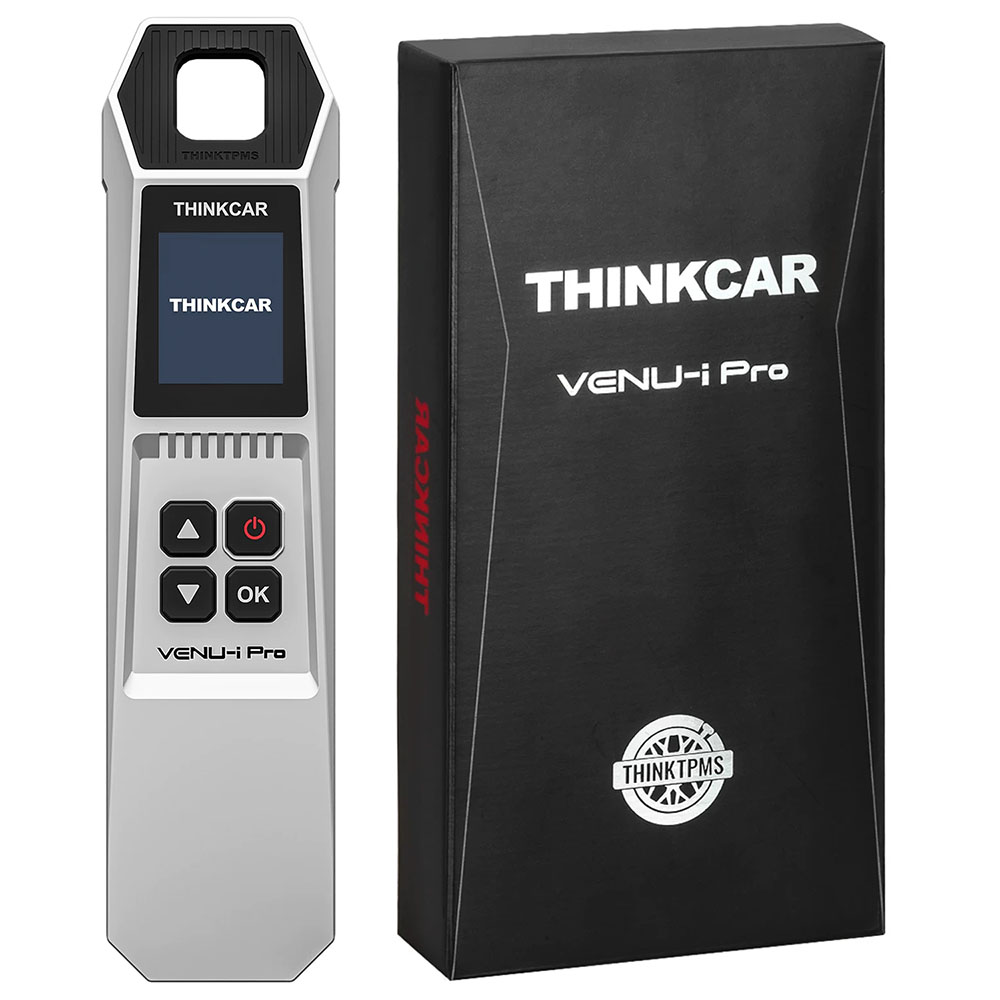
Name: ThinkCar VENU-i Pro Tire Pressure Diagnostic Tool
Description:
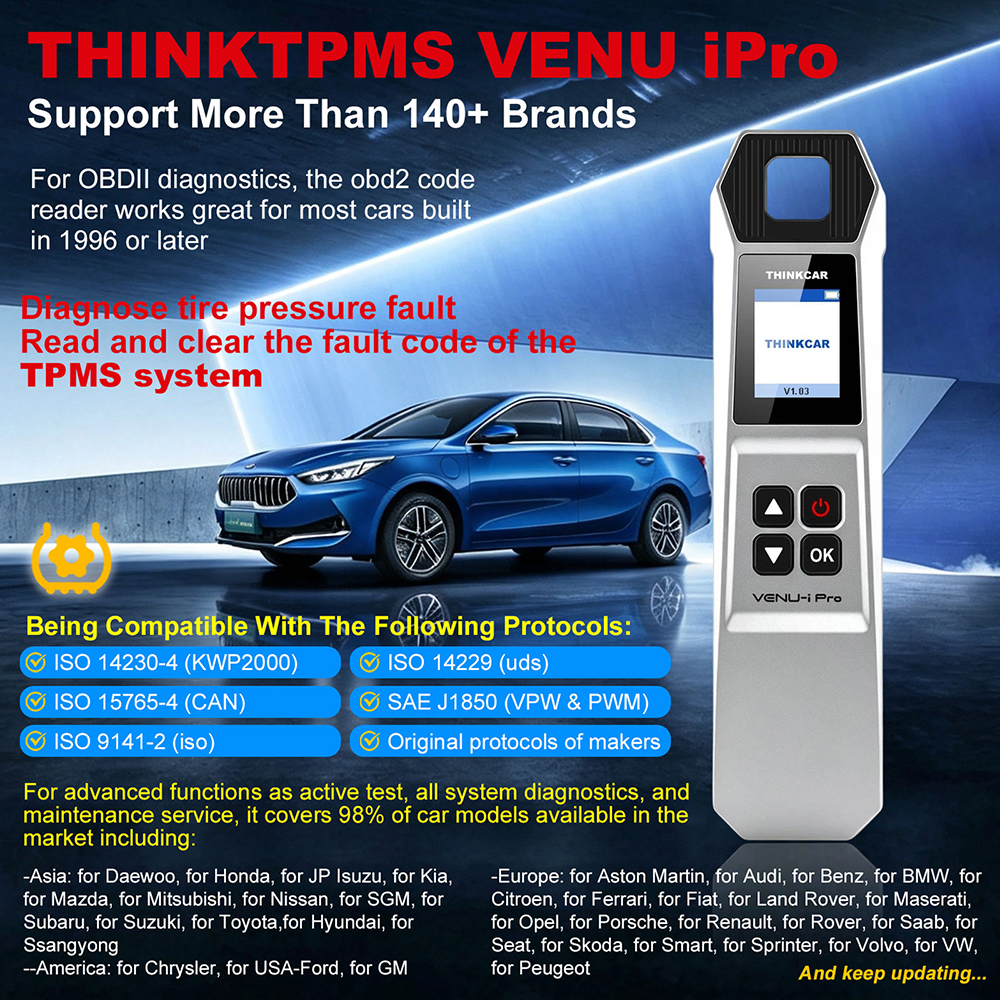
ThinkCar VENU-i Pro TPMS Diagnostic Tool is a new generation of tire pressure diagnosis tool which can realize Sensor Activation, Sensor Programming, Sensor Learning, Tire Pressure Fault Diagnosis. ThinkCar VENU iPro can be connected to ThinkDiag APP via Bluetooth and used to easily diagnose tire faults on mobile phones. ThinkCar VENU i-Pro can also be used with ThinkTool series products to help you diagnose car tire information.
Features:
Support all 315MHz / 433MHz tire pressure sensors activation.
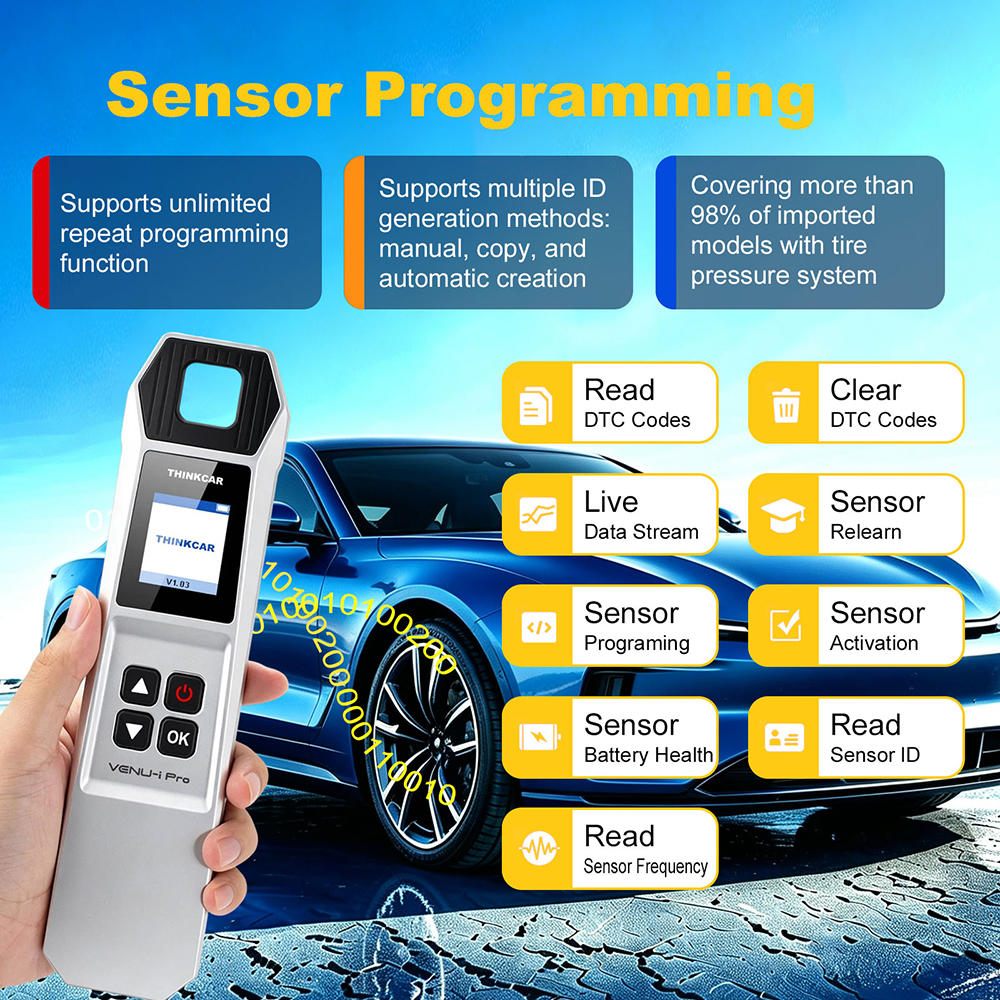
Supports unlimited repeat programming function.
Support tire pressure fault diagnosis through prompt learning steps.
Support more than 140+ brands.
Used with ThinkTool series scanners & ThinkDiag+ APP.
Functions:
1. Support Sensor Activation
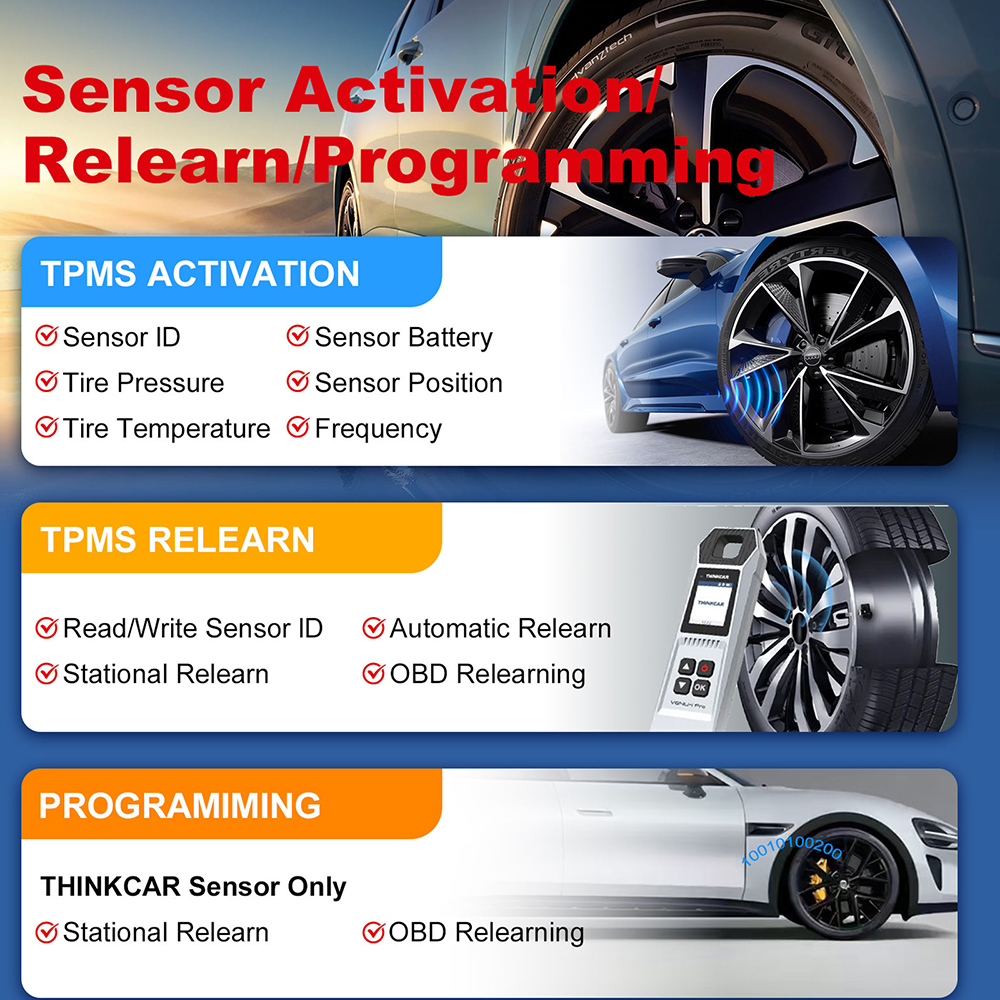
ThinkCar VENU-i Pro can activate all 315MHz / 433MHz tire pressure sensors, and can read, copy, write sensor IDs and read tire pressure data(pressure, temperature, battery status).
2. Support Sensor Programming
ThinkCar VENU-i Pro supports unlimited repeat programming function, covering more than 98% of imported models with tire pressure system, and supports multiple ID generation methods: manual, copy, and automatic creation.
3. Support Sensor Learning
The tire pressure matching learning function can perform tire pressure fault diagnosis through prompt learning steps, including code reading and code clearing.
4. Diagnose Tire Pressure Fault
Read and clear the fault code of the TPMS system
5. Support More Than 140+ Brands
For OBD-II diagnostics, the OBD2 code reader works great for most cars built in 1996+, being compatible with the following protocols:
ISO 14230-4 (KWP2000)
ISO 15765-4 (CAN)
ISO 9141-2 (ISO)
ISO 14229 (UDS)
SAE J1850 (VPW & PWM)
Original Protocols of Makers
6. For advanced functions as Active Test, All System Diagnostics, Maintenance Service, it covers 95% of car models available in the market including:
Asia:
Daewoo, Honda, JP Isuzu, Kia, Mazda, Mitsubishi, Nissan, SGM, Subaru, Suzuki, Toyota, Hyundai, Ssangyong
Europe:
Aston Martin, Audi, Benz, BMW, Citroen, Ferrari, Fiat, Land Rover, Maserati, Opel, Porsche, Renault, Rover, Saab, Seat, Skoda, Smart, Sprinter, Volvo, VW, Peugeot
America:
Chrysler, USA-Ford, GM
And keep updating...
Application Scenarios:
1. Sensor Replacement
2. Tire Rotation
3. On-Line Assembly and Inspection by OEMs.
4. Independently Detect Whether the Sensor Itself is Normal.
2 Ways To Use ThinkCar Venu-i Pro:
1. Download the ThinkDiag APP(iOS) or i-VENU APP (Android), turn on the Bluetooth of the mobile phone, and click the ThinkTPMS function on the APP to diagnose tire pressure.
2. Use with ThinkCar & MUCAR scanners, such as ThinkScan 689BT, ThinkScan 689, ThinkScan 672, MUCAR VO8 / VO7S / VO7 / VO6, ThinkDiag, ThinkDiag 2, BD6...
How To Use ThinkDiag APP?
1. Install the ThinkDiag APP on your smart phone and sign up for a new account.
2. Activate the device in ThinkDiag APP, the device will be automatically bind to your account.
3. Plug the device into the OBD2 port and then turn on your vehicle.
4. Connect device to your phone via Bluetooth.
5. Select and download the free diagnostic software for your vehicle manufacturer.
6. Start the diagnosis.
Packing List:
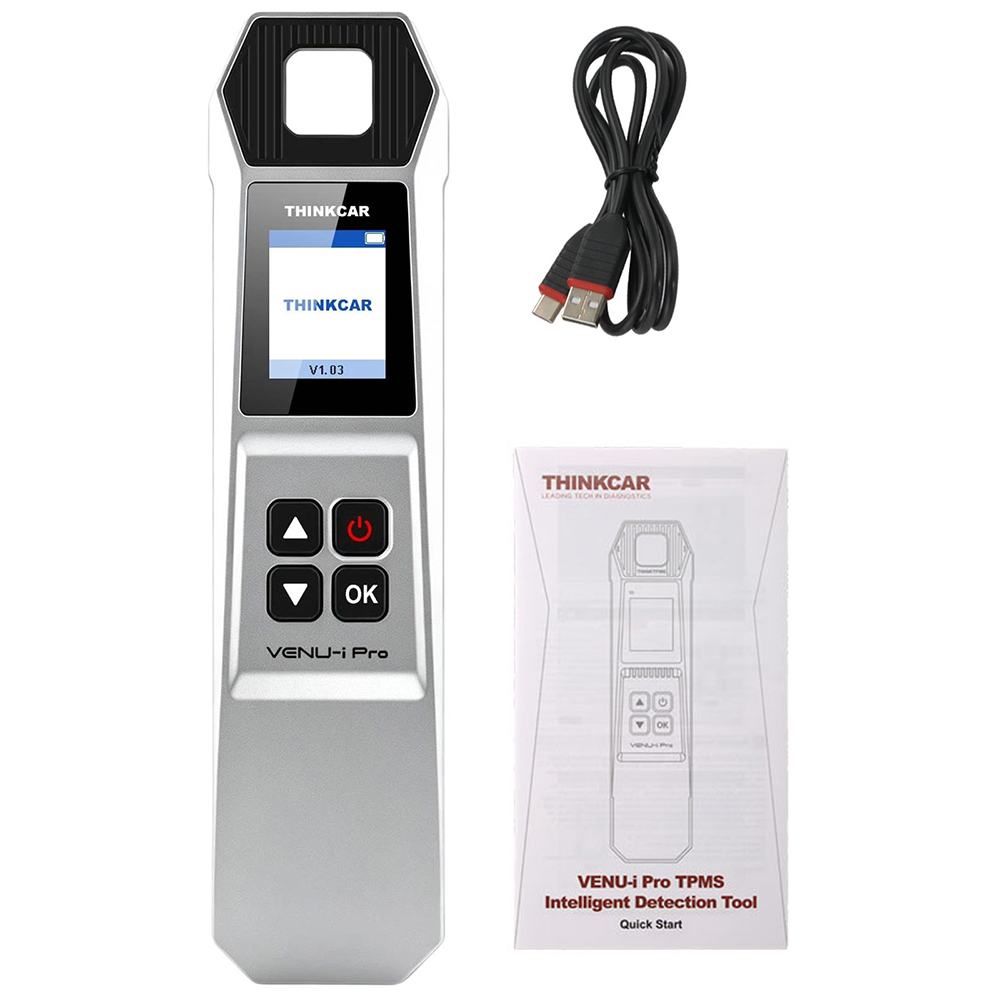
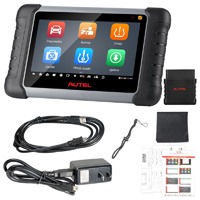
ThinkCar VENU-i Pro TPMS Intelligent Detection Tool
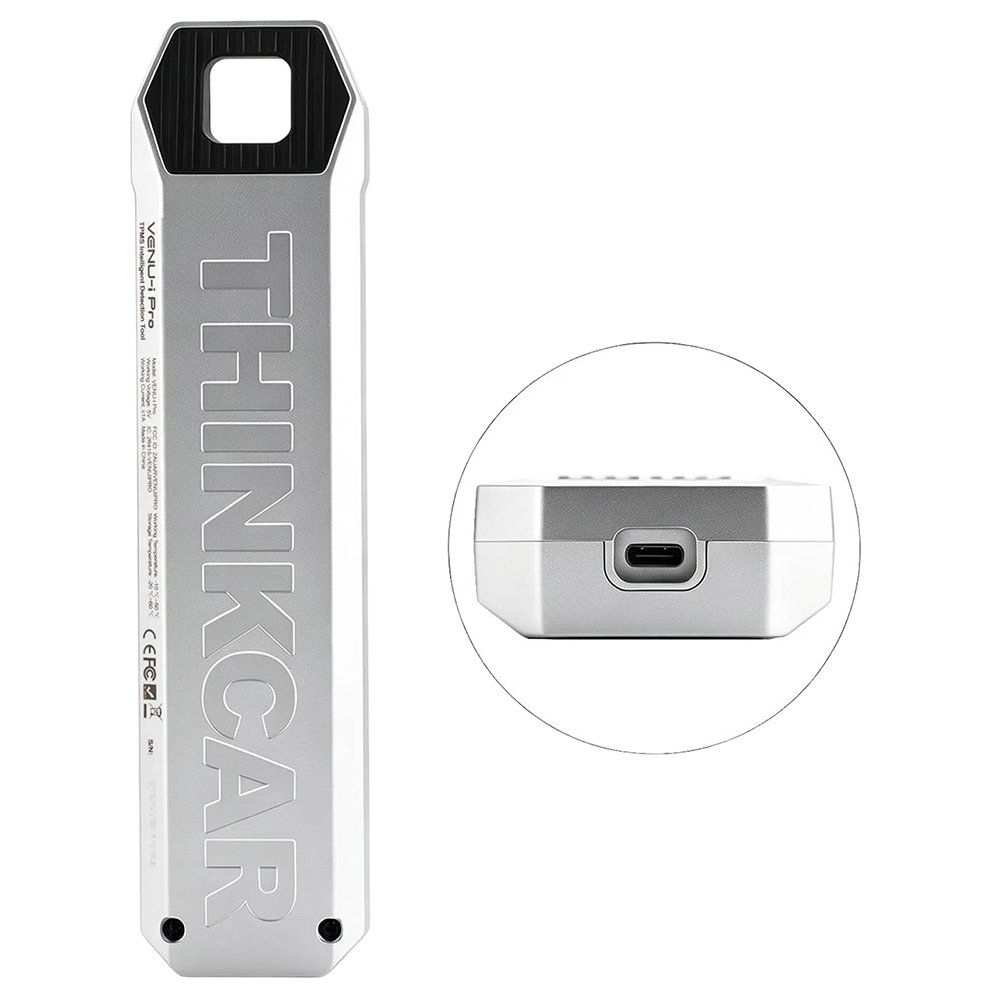
USB Type-C Cable
Quick Start
Packing Box
|


 USD
USD


.jpg)